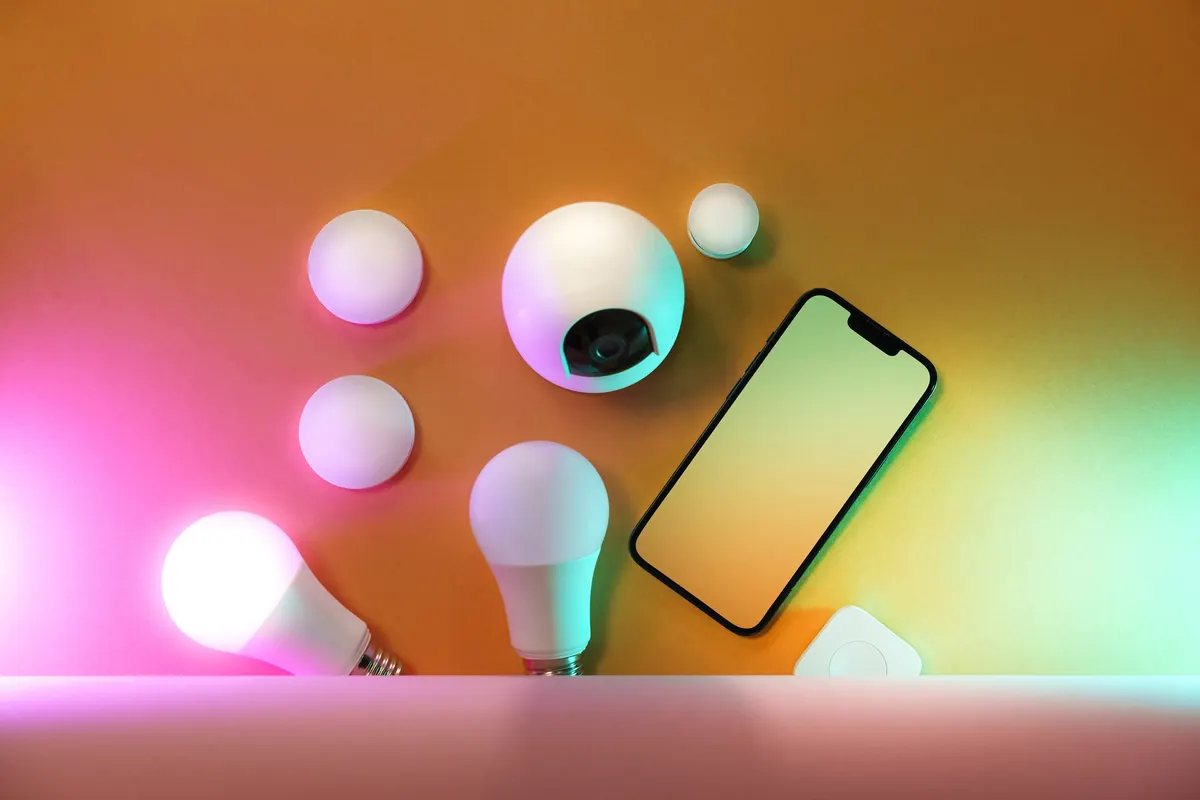
Packing is the easy part. The harder part is remembering that the house you're leaving behind is still awake: a router handing out connections, cameras streaming, a thermostat deciding when to run the heat, a speaker waiting for a wake word. None of that stops because you're on a beach. And an empty house with a full-time internet connection is exactly the setup criminals and botnet operators count on.
You don't need to be a network engineer to close the obvious gaps. You need about twenty minutes, a phone or laptop, and the willingness to click through a few settings you've probably ignored since setup day. Here's the routine that covers the devices that matter most.
Start With the Router, Because Everything Else Hangs Off It
If the router falls, nothing downstream is safe. Cameras, locks, speakers — all of them trust whatever the router tells them. Treat it as the front door and spend five minutes on it:
- Install the firmware update you've been dismissing. If the router supports automatic updates, switch them on and stop thinking about it.
- Replace the admin password if it's still "admin," blank, or printed on the sticker underneath. Turn on two-factor authentication if the router offers it.
- Turn off remote administration and WPS. Unless you genuinely need to open the router's settings page from another city, that door should be closed.
- Disable UPnP if your devices don't depend on it. It lets gadgets punch their own holes through your firewall — handy for consoles, careless for everything else.
- Read the connected-device list. Anything you don't recognize is worth investigating now, not when you're three time zones away.
One more thing: keep your smart devices on a separate network from your laptop and phone if the router supports a guest or IoT network. If a cheap camera gets compromised, it doesn't get a straight path to your files.
Cameras: Look at What They Actually See
Most people aim a camera once and never check the frame again. Before you travel, open each feed and look at the shot the way a stranger would. Does the porch camera capture the package area, or just the top of a delivery driver's head? Is an indoor camera angled toward a window that reflects your hallway? Is it pointing at a neighbor's window? That last one is a real privacy problem, not just an awkward one.
Then work through the settings. Replace any default username and password, enable two-factor authentication in the camera app, and delete share links or guest access you set up months ago and forgot about. Check whether recordings go to a local card or to the cloud — and if it's the cloud, decide whether you're comfortable with that footage living on someone else's server.
For indoor cameras, consider simply unplugging them while you're gone. Their value is mostly to tell you what happened in a room you already trust; the alerts they generate at 3 a.m. mostly produce anxiety. Outdoor cameras earn their keep. Point them well, keep them online, and leave them running.
Thermostats, Plugs, and the Devices You Forget Exist
A thermostat on a fixed "away" temperature is fine. A smart plug that turns the living room lamp on at 6 p.m. and off at 11 p.m. every single day is a pattern anyone can read from the sidewalk. Vary the schedule by twenty or thirty minutes, and add one light upstairs that runs on different days.
Smart locks deserve their own pass: check the battery level, confirm auto-lock is working, and make sure you still have a physical key as a backup. If a neighbor or friend is checking in, create a temporary code for them rather than handing over your master one — and set a reminder to delete it when you're home.
Finally, walk the house for anything running on a smart plug that draws serious heat, like a space heater or a clothes iron. Those should never be left running unattended, connected or not.
Voice Assistants and the Things They Can Do Without You
A speaker with a live microphone and a weakly protected account is an open window into your living room. Before you leave, mute it with the hardware switch or unplug it entirely if nobody needs it. If you'd rather keep it running, turn off drop-in, disable voice purchasing, and review which third-party skills have access to your account.
While you're in the app, check the saved voice recordings and delete anything you don't want stored. Then set a strong, unique password on the account itself. The speaker is only as private as the login behind it.
Don't Announce the Dates
Half of home security is not telling the internet you're gone. Post the photos when you're back. Keep your out-of-office reply vague — "I'll respond when I can" rather than a precise return date that lands in the wrong inbox.
Offline, hold your mail, arrange for the lawn or driveway to look tended, and tell exactly one trusted neighbor your dates and a number to reach you. Skip the spare key under the mat or in the fake rock.
The Night-Before Checklist
Run through this while your suitcase is still open and you can still fix things:
- Router: firmware updated, admin password changed, remote access and WPS off, device list reviewed.
- Cameras: default logins replaced, two-factor on, share links removed, privacy zones set.
- Indoor cameras unplugged or muted; outdoor feeds confirmed online and aimed sensibly.
- Thermostat on a vacation schedule; lamp timers randomized.
- Smart lock batteries checked, temporary guest code created, physical key available.
- Speakers muted or unplugged; drop-in and voice purchasing disabled.
- Notifications enabled for your camera and lock apps; all accounts on strong, unique passwords.
- Mail held, one neighbor informed, travel dates kept off social media.
Once you're away, resist refreshing the camera feed at 2 a.m. out of boredom. If an alert looks genuinely wrong, call the person checking on the house rather than trying to intervene through an app. And if you're logging into anything from a hotel or airport network, use a VPN instead of trusting open Wi-Fi.
The goal isn't a fortress. It's that the house you come home to is the same one you left: same devices, same accounts, nothing new listening in.
Photo: Jakub Zerdzicki / Pexels